Set Logier as default app for file types
You can set custom apps as the default handler for file types. This makes working with logs even more frictionless.
Windows#
See YouTube video
MacOS#
Right click a file with the desired file type
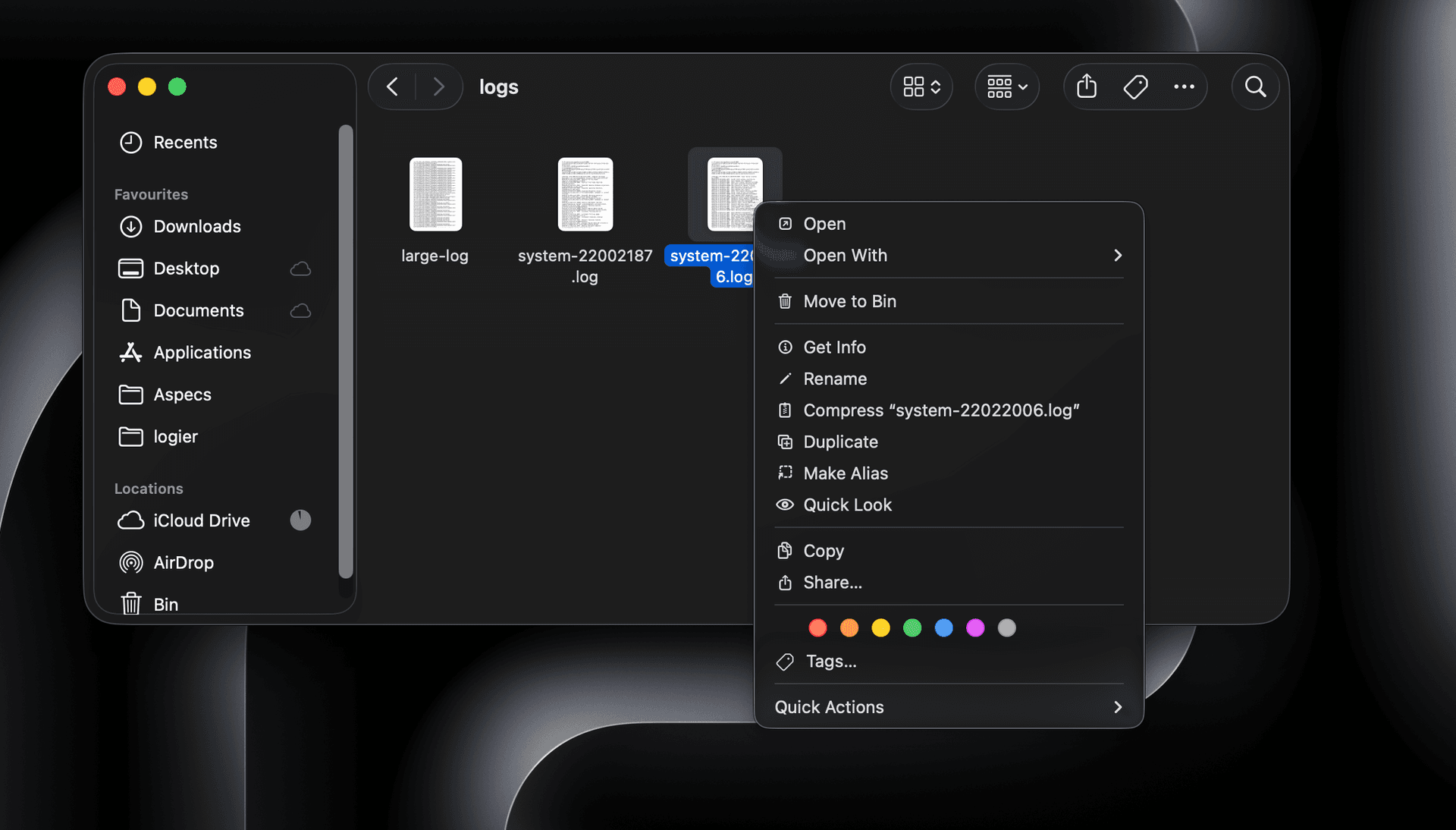
Press Command (⌘) + I to open the Get Info window.
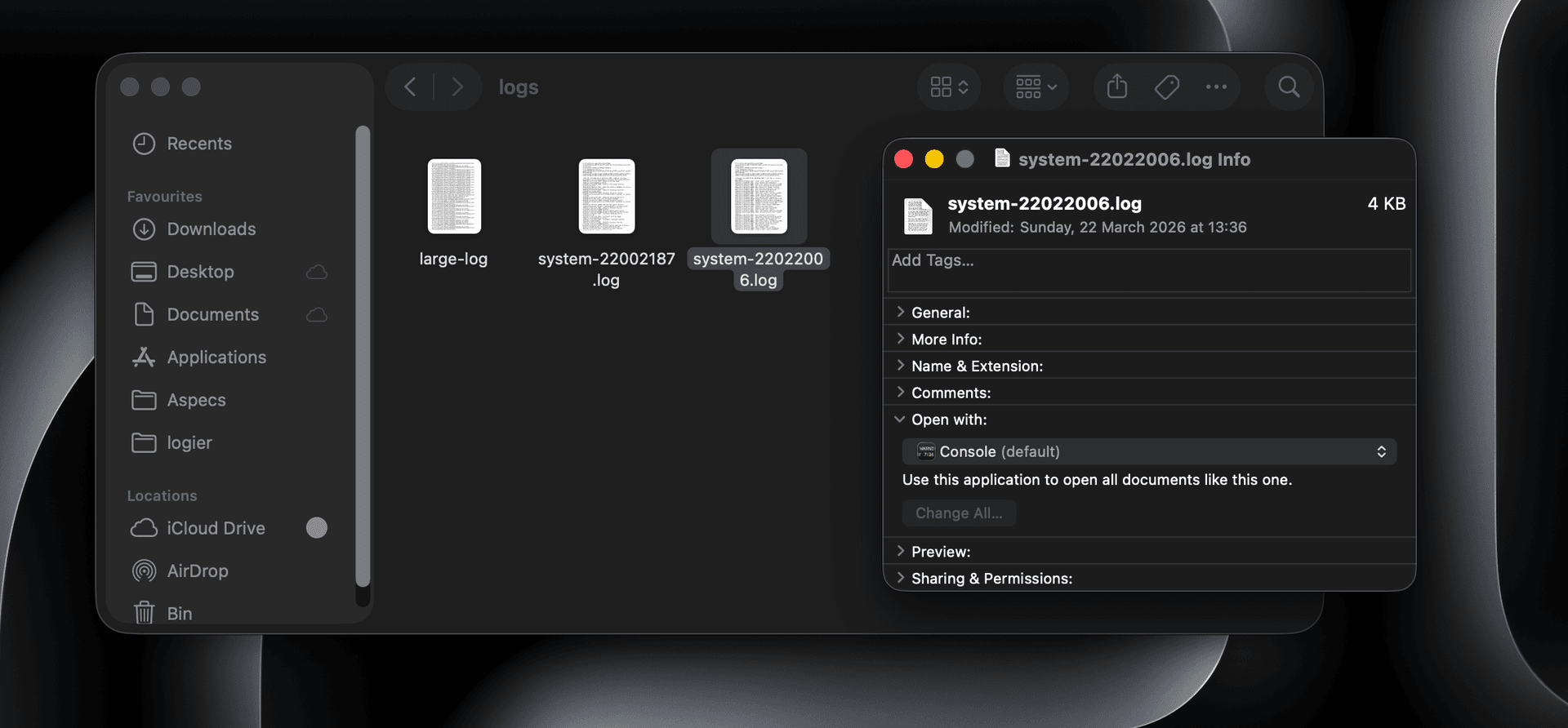
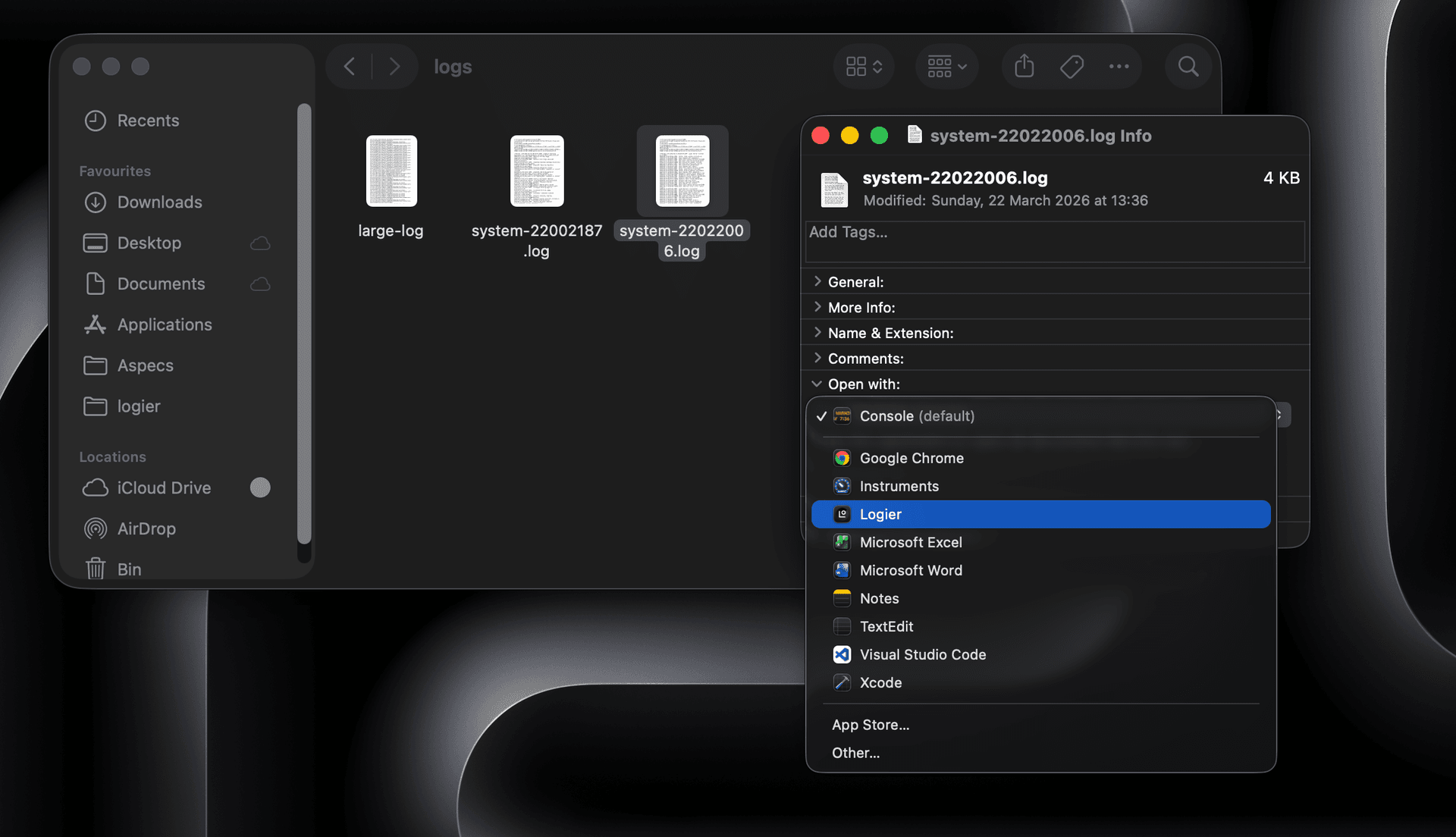
Open the Open with dropdown and select logier
Click on Change All, to apply to all files of this type.
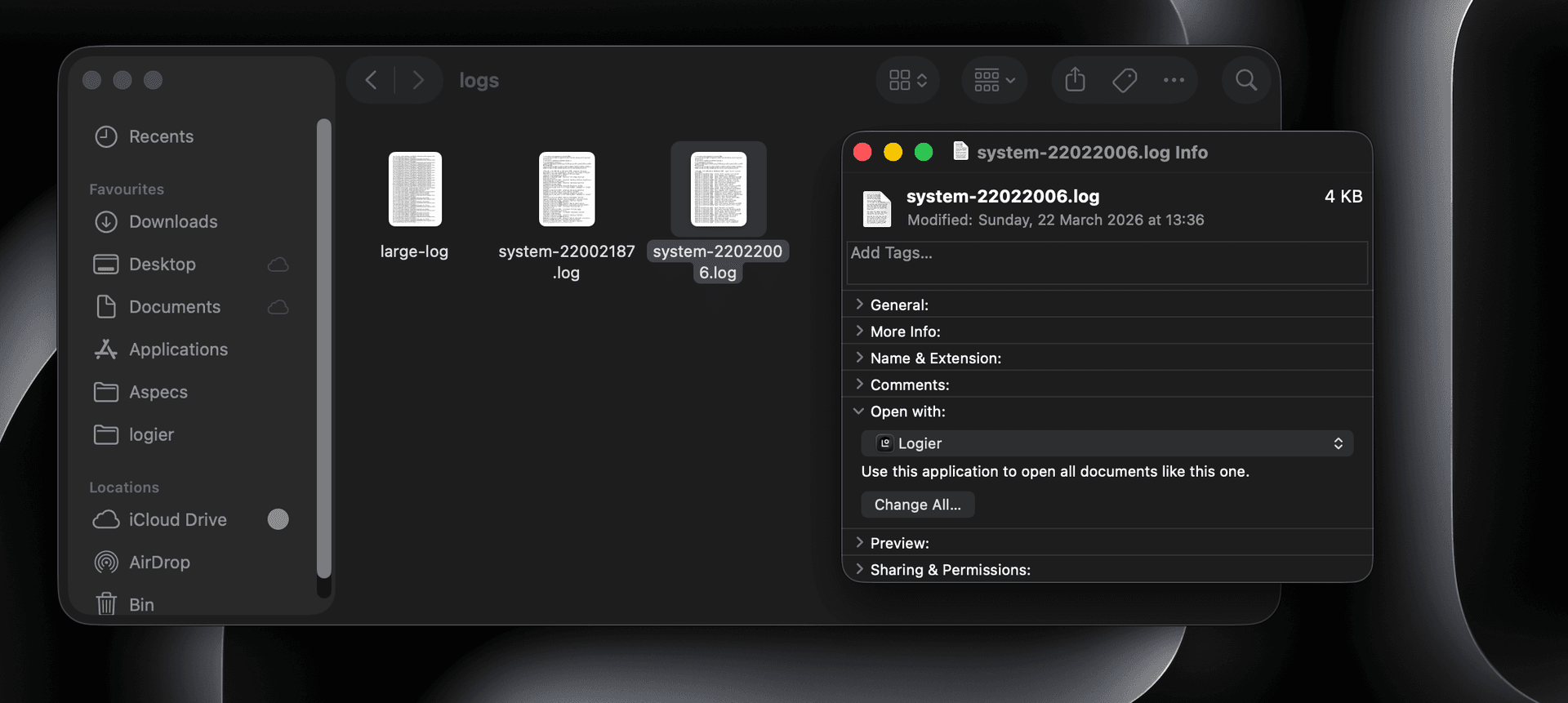
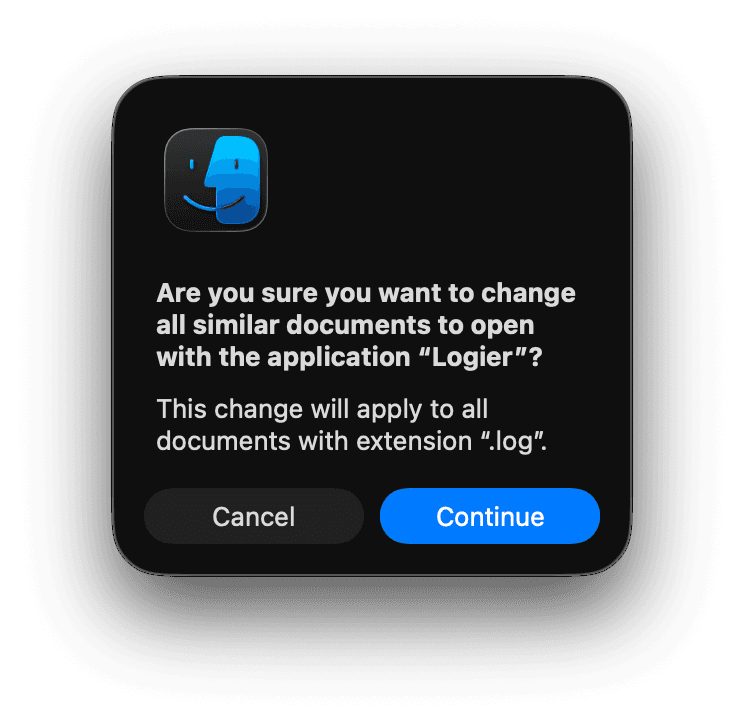
Accept the “Change” window.
Files of this type will now open with logier.