Cloud Storage
Connect your cloud storage, manage log files, and edit them from anywhere. Logier Cloud keeps your files in your own Dropbox, Google Drive, or OneDrive account while making them available across the desktop app and web.
Logier Cloud lets you store your log files in your own cloud storage instead of on Logier's servers. Once connected, you can browse, edit, upload, and organize your logs from both the Logier desktop application and the Logier website.
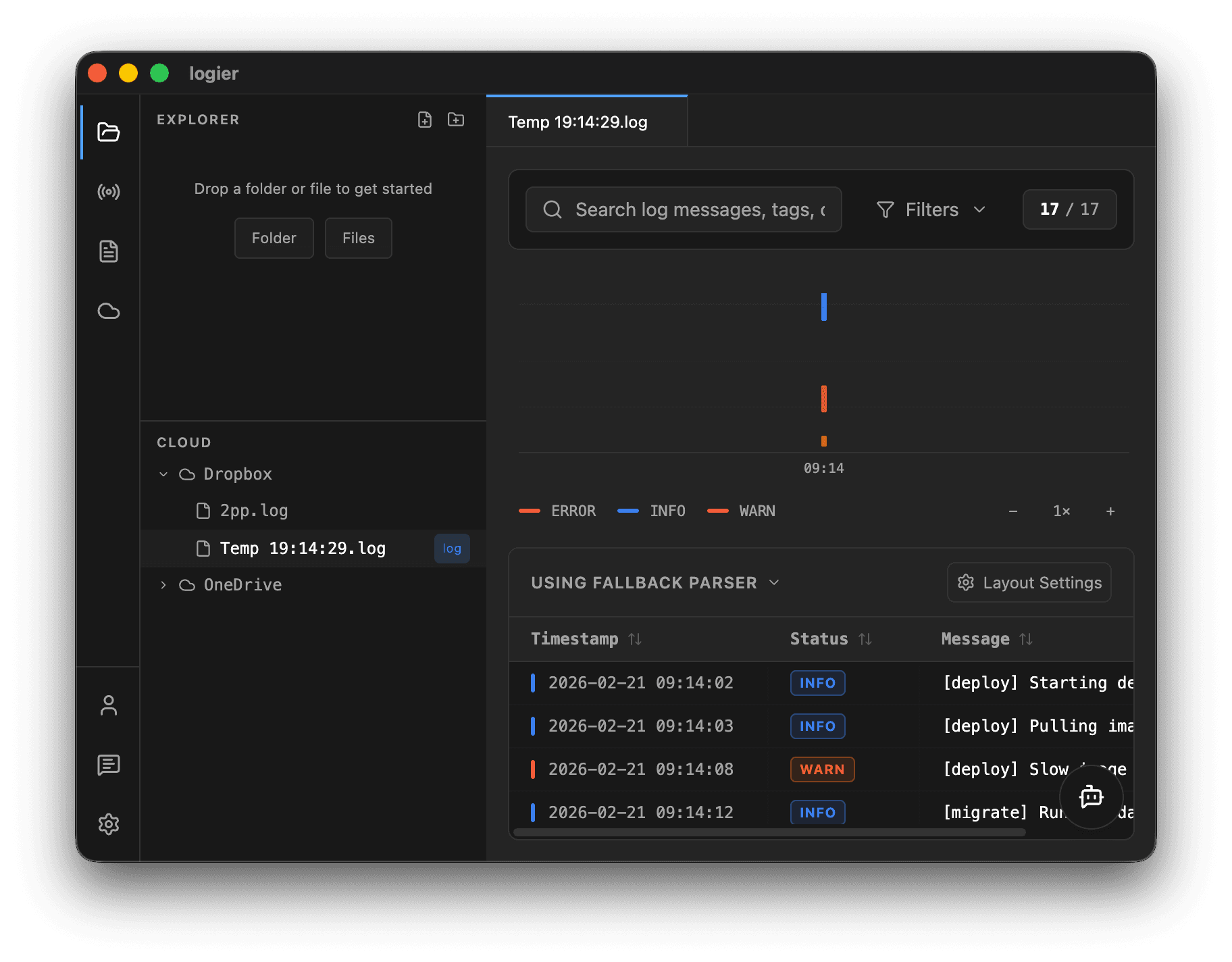
Supported providers#
Currently supported providers are:
You can connect multiple providers at the same time and switch between them whenever you like.

How it works#
After connecting a provider, Logier creates and uses a dedicated Logier folder inside your cloud storage.
All files you create, edit, or upload through Logier stay inside this folder.
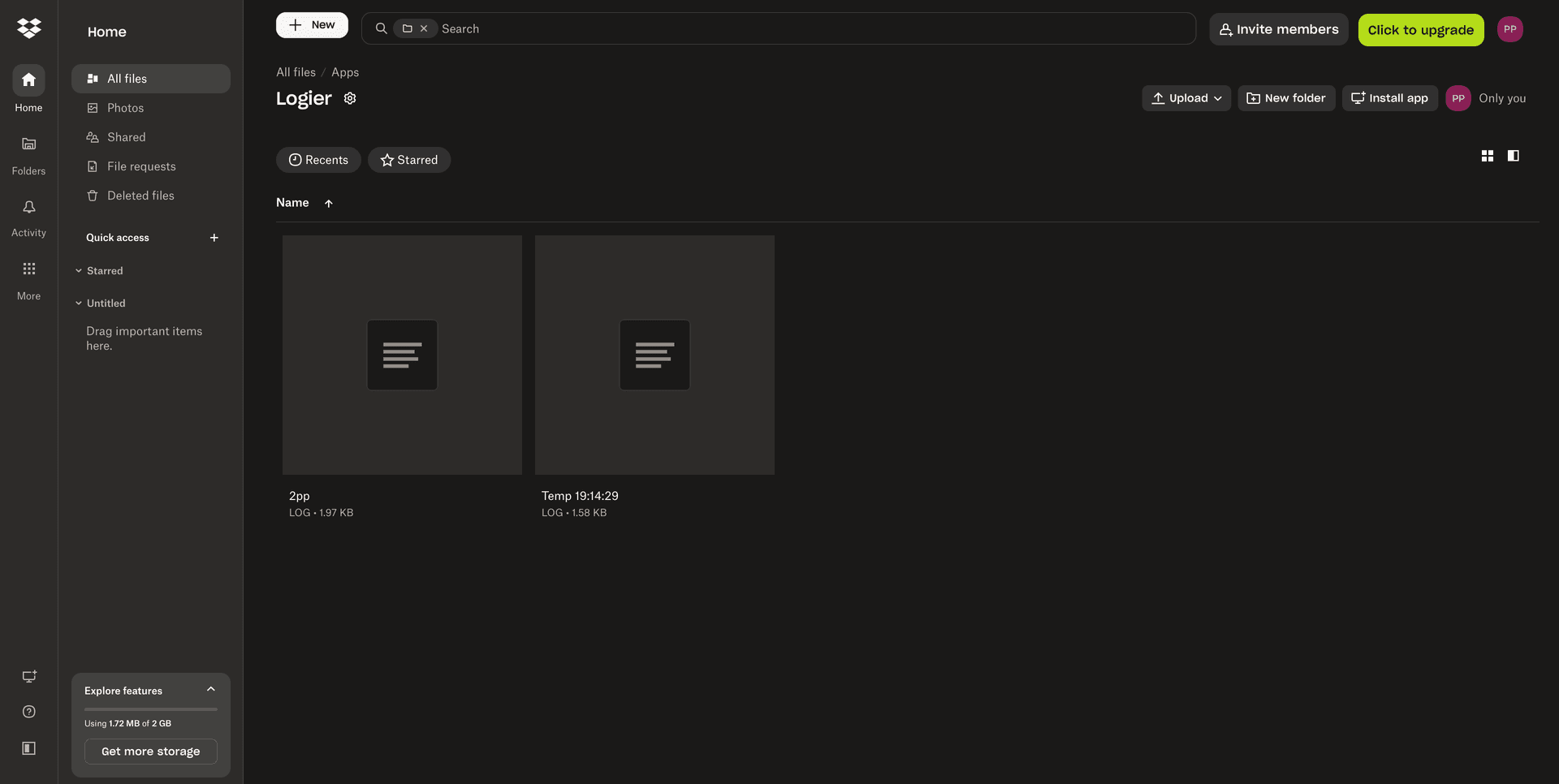
Your files are never copied to Logier's servers.
Connecting a cloud provider#
- Open the Cloud page on the website or the Cloud section inside the desktop app.
- Select Dropbox, Google Drive, or OneDrive.
- Sign in to your provider.
- Grant Logier access.
- Your storage is ready to use immediately.
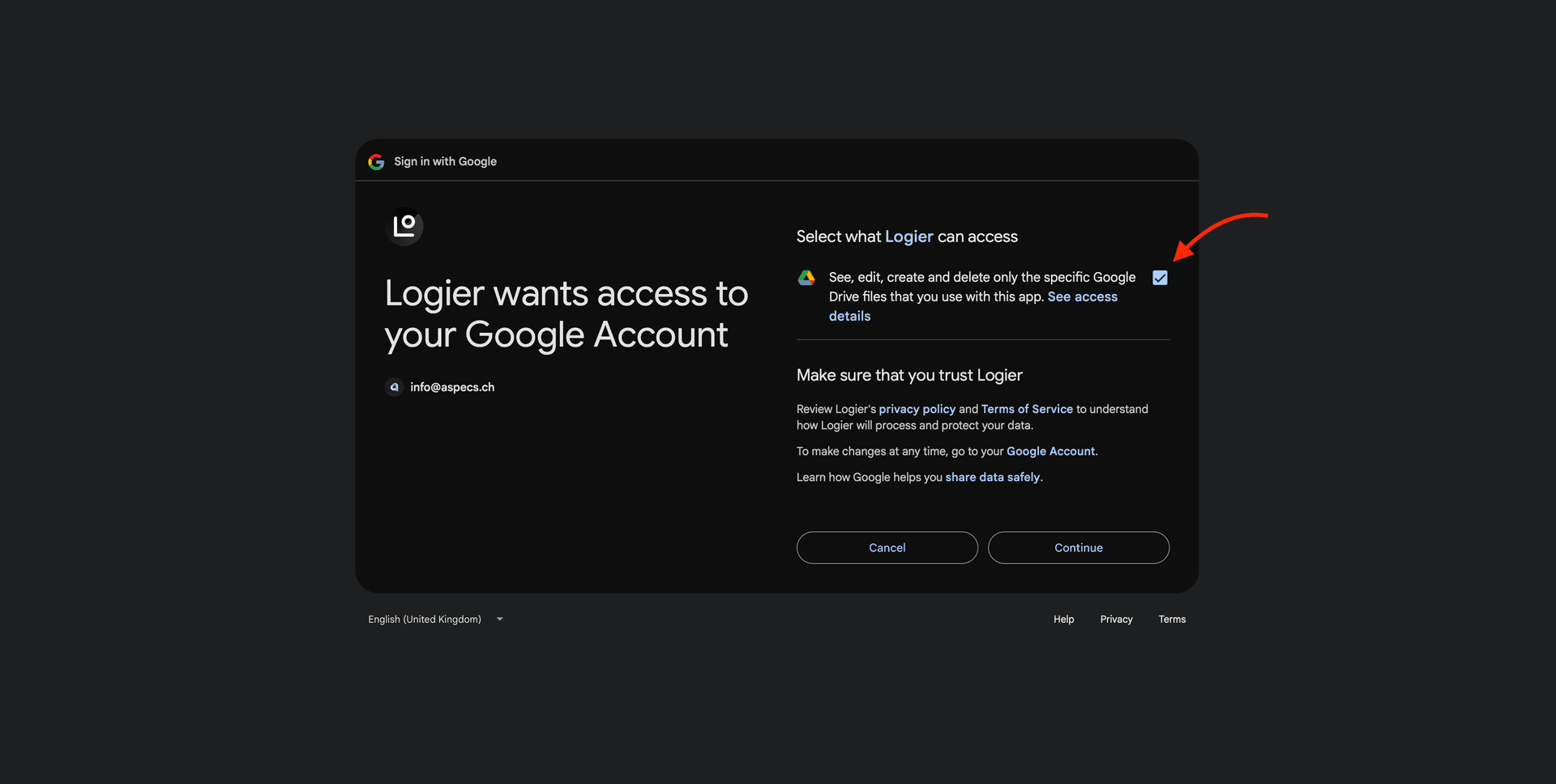
If you revoke access later, simply reconnect the provider.
Managing files#
The Cloud page includes a built-in file manager where you can:
- —Browse folders
- —Open log files
- —Upload files
- —Download files
- —Rename files
- —Delete files
- —Create folders
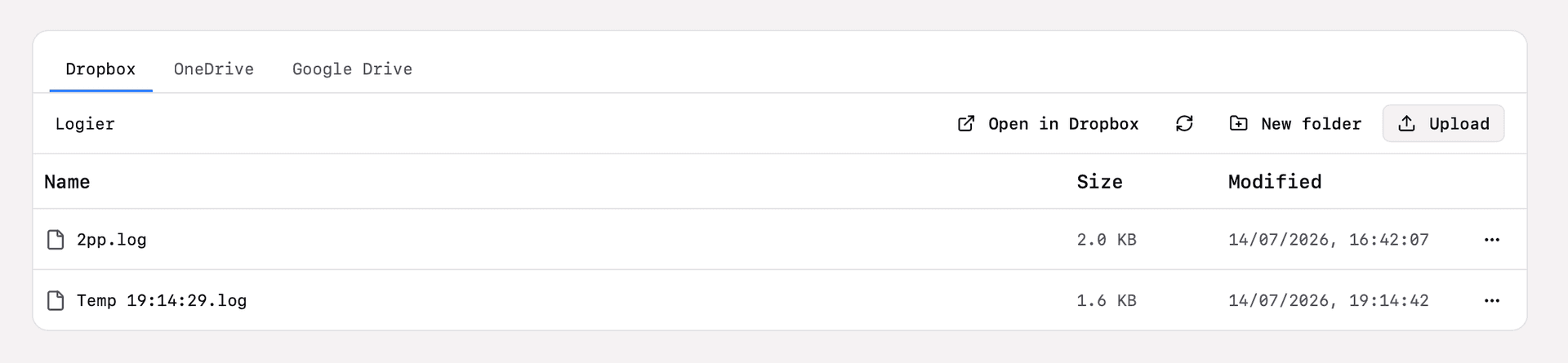
Changes are saved directly to your cloud storage.
Editing files#
Opening a file launches the Logier editor.
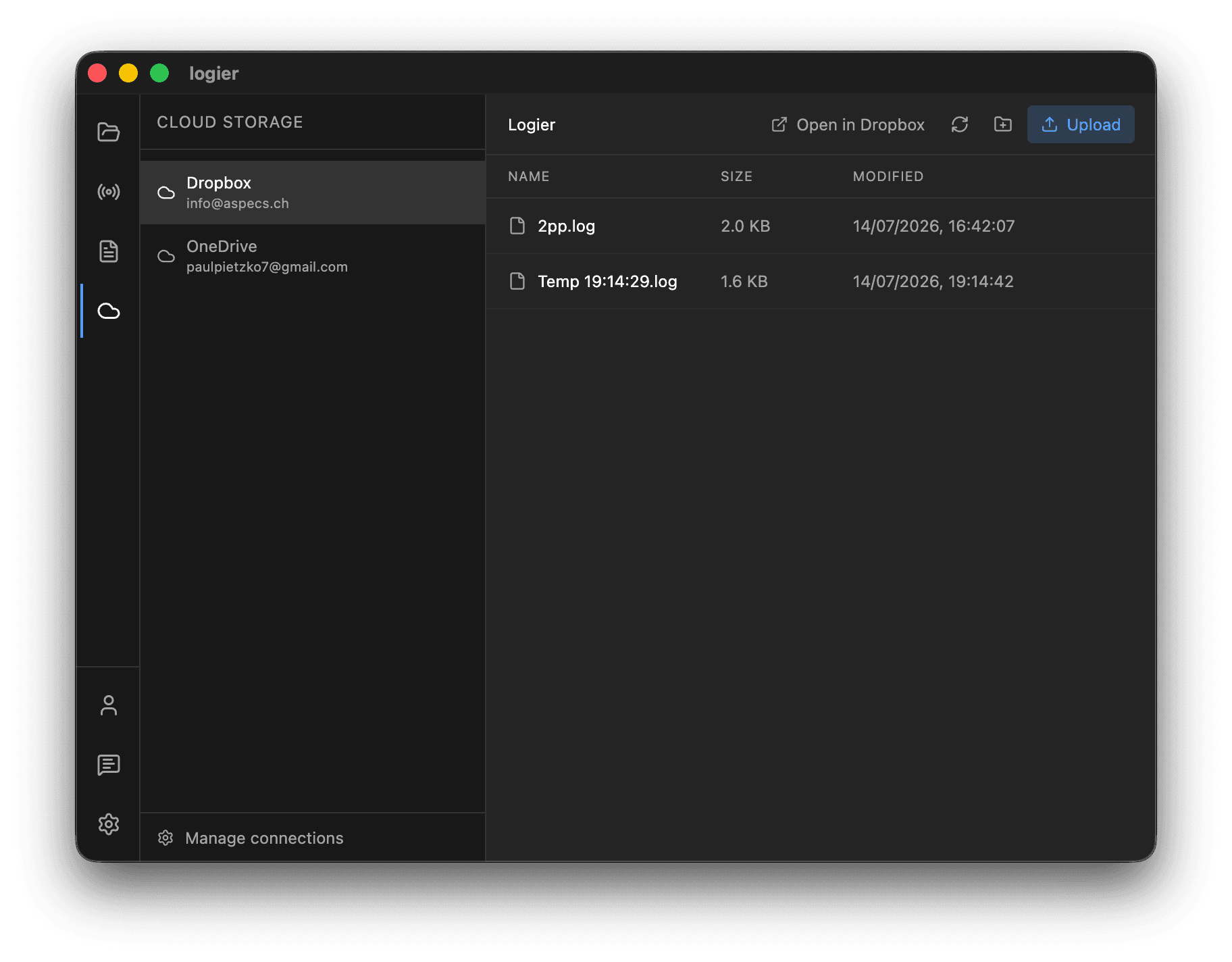
Any changes you save are written directly back to your cloud storage, making them immediately available on every device using the same cloud account.
Saving Temporary and Live Sessions#
Temporary files and live sessions don't have to stay temporary.
At any time, you can save a Temp file (ctrl+s) created from pasted logs or a Live Snapshot from Live Mode as a regular log file.
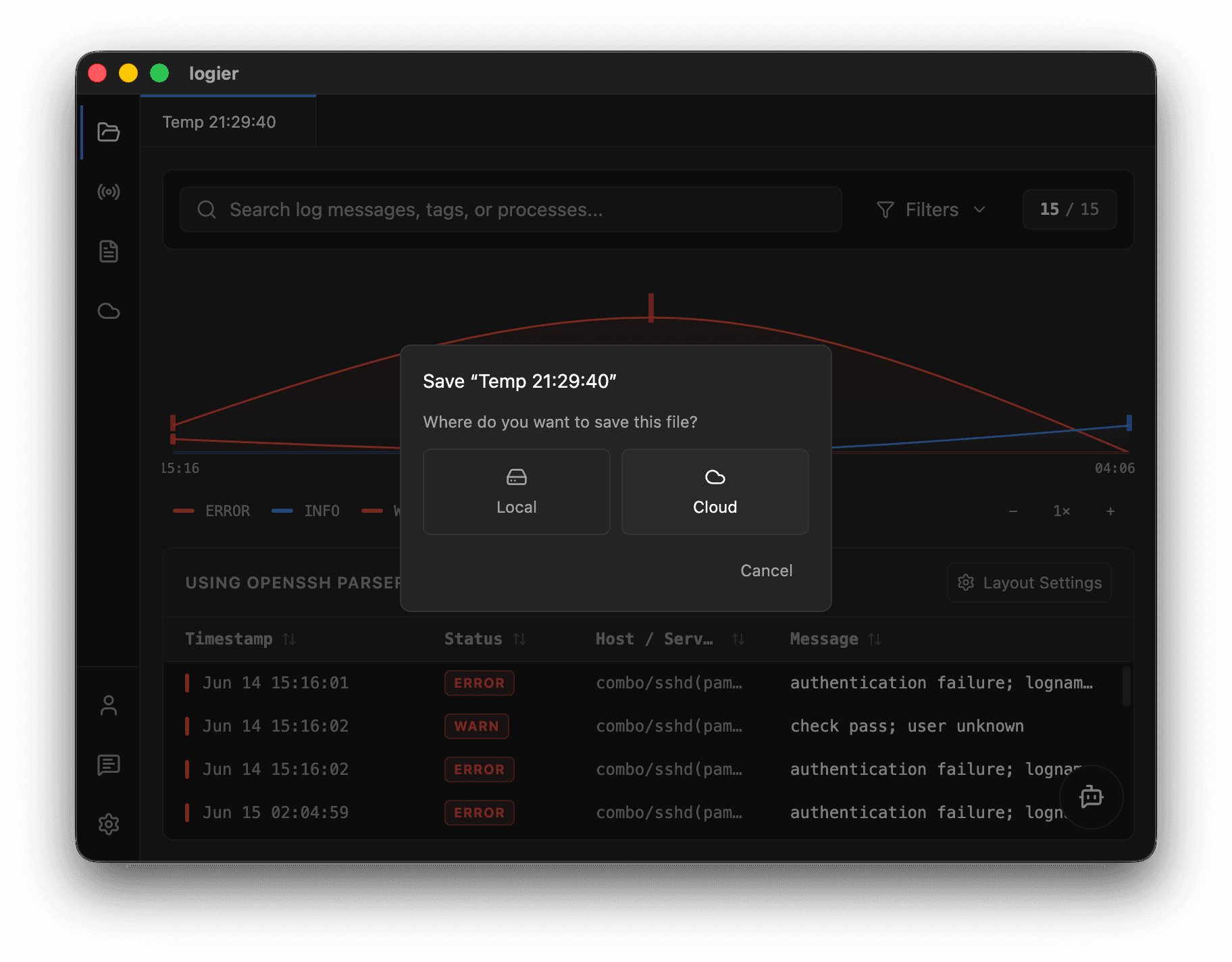
Choose a Local Folder or save to a connected Cloud Provider. If you've connected Logier Cloud, you can save directly into your Dropbox, Google Drive, or OneDrive account without leaving the application.
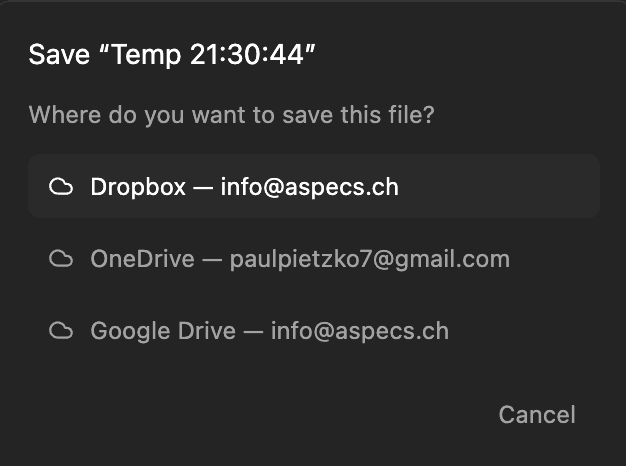
Once saved, the file becomes a regular log file that you can reopen, edit, organize, and share like any other log.
Using Logier Cloud on multiple devices#
Because your files live in your own cloud storage, they're automatically available wherever you use Logier.
Simply:
- Sign into Logier.
- Connect the same cloud account.
- Continue working with your existing files.
No manual syncing is required.
Privacy & Security#
Logier is designed around a bring-your-own-storage model (just like with the Copilot).
- —Your log files remain in your own cloud account.
- —Logier never stores your files.
- —Only the permissions required to access your chosen cloud provider are used.
- —If access expires or is revoked, you can reconnect your account at any time.
Your cloud provider remains the source of truth for all of your log files.