Setup Copilot
Connect Copilot with your own API key — ChatGPT, Claude, or Gemini — or point it at a model you run locally.
Logier never locks Copilot behind a second paywall. You bring your own API key or run a model locally — your data, your infrastructure.
Copilot works with several AI providers. Pick the one you already have access to, paste in a key (or point Logier at a local server), and start asking questions about your logs.
First-time setup#
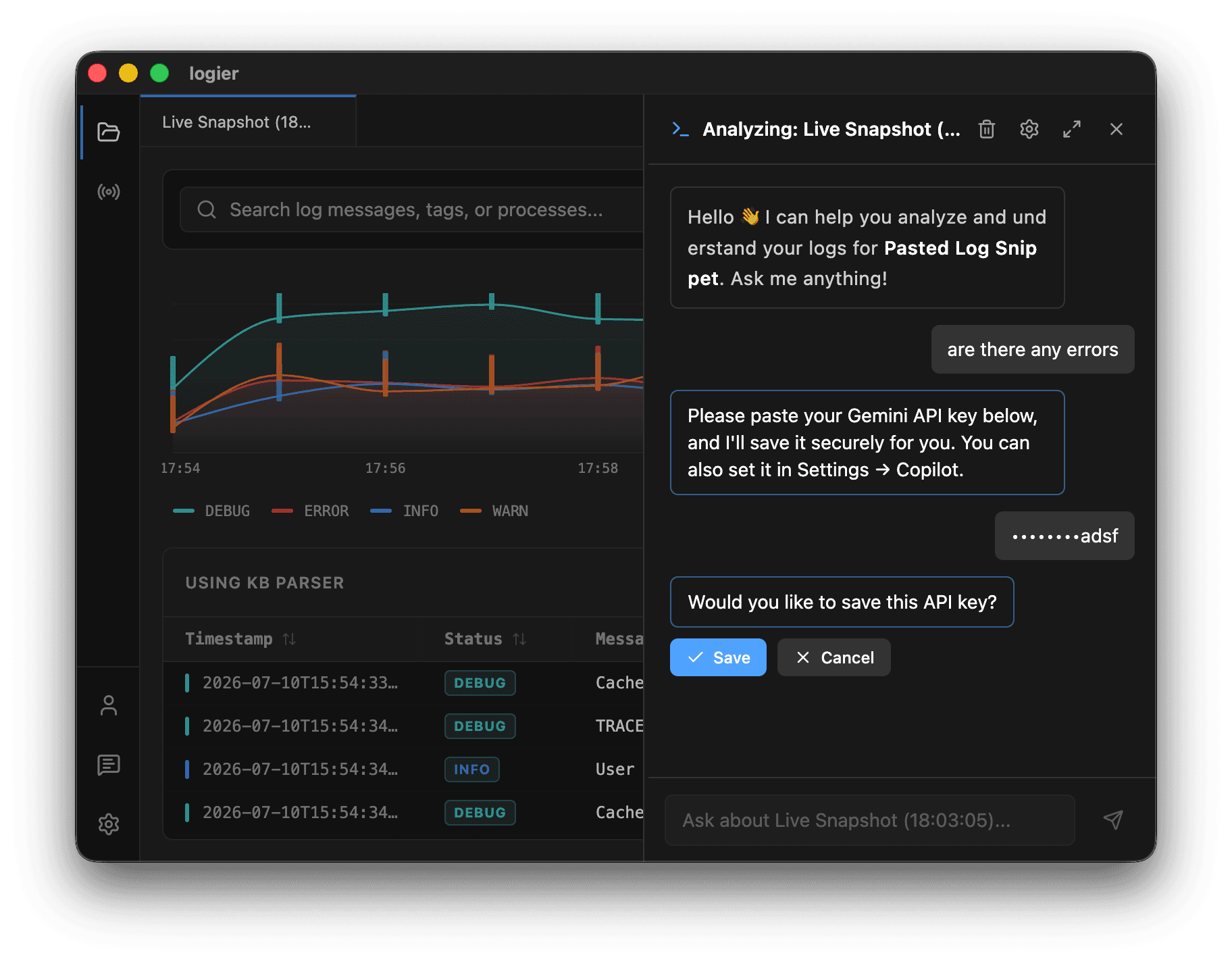
The first time you open Copilot it asks for an API key.
- Paste your key directly into the chat window.
- Logier stores it on-device, in your local settings — it never touches Logier's servers.
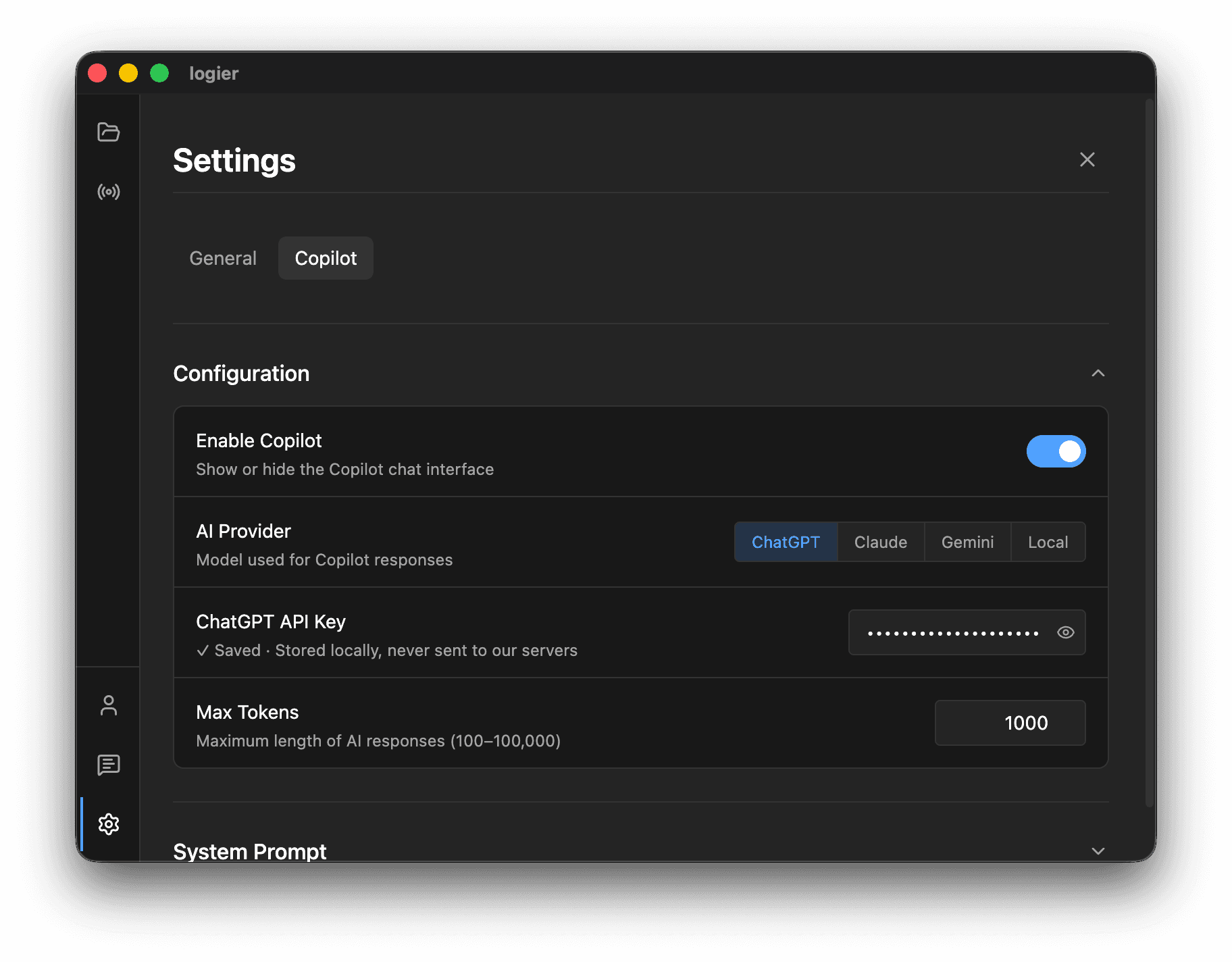
You can change your key or provider at any time from Settings → Copilot.
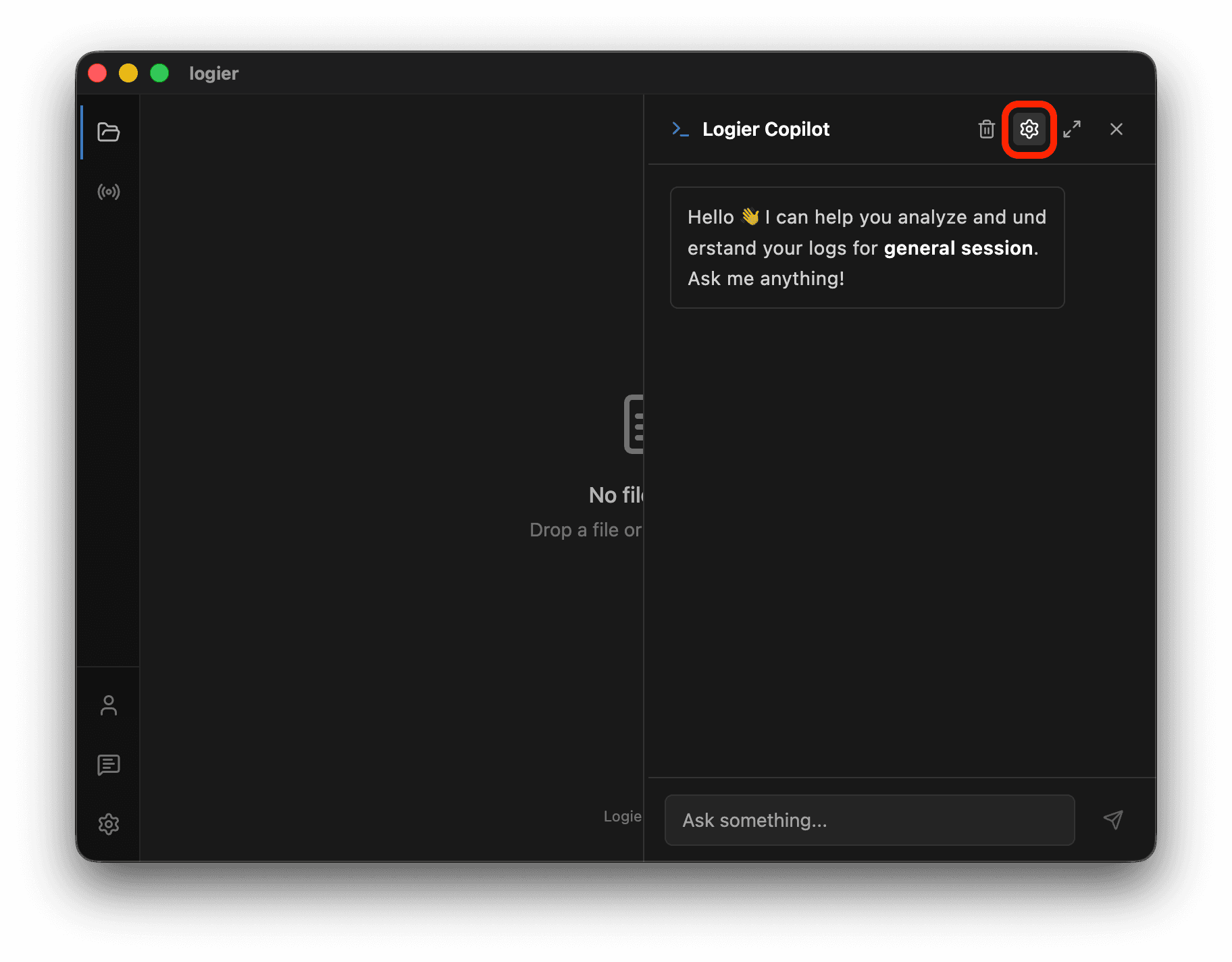
You can also open the same settings from the gear icon in the Copilot panel.
Choosing a provider#
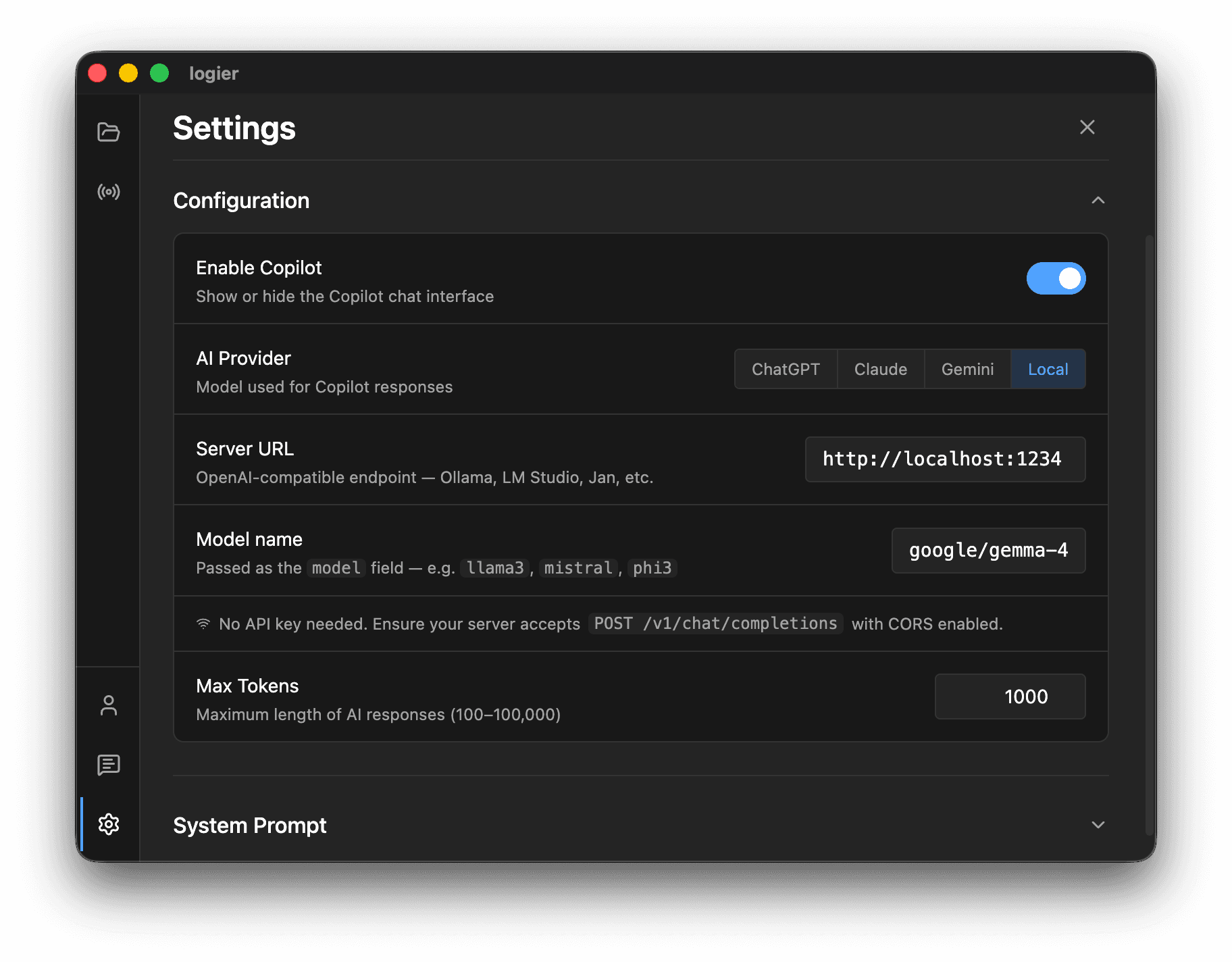
Under Settings → Copilot, the AI Provider selector lets you switch between:
- —ChatGPT (OpenAI)
- —Claude (Anthropic)
- —Gemini (Google)
- —Local (a model you host yourself)
Each provider keeps its own API key, so you can set up more than one and switch between them without re-entering keys. The same screen has a Max Tokens setting that controls how much of your log Copilot can consider in a single request — raise it for models with larger context windows.
ChatGPT (OpenAI)#
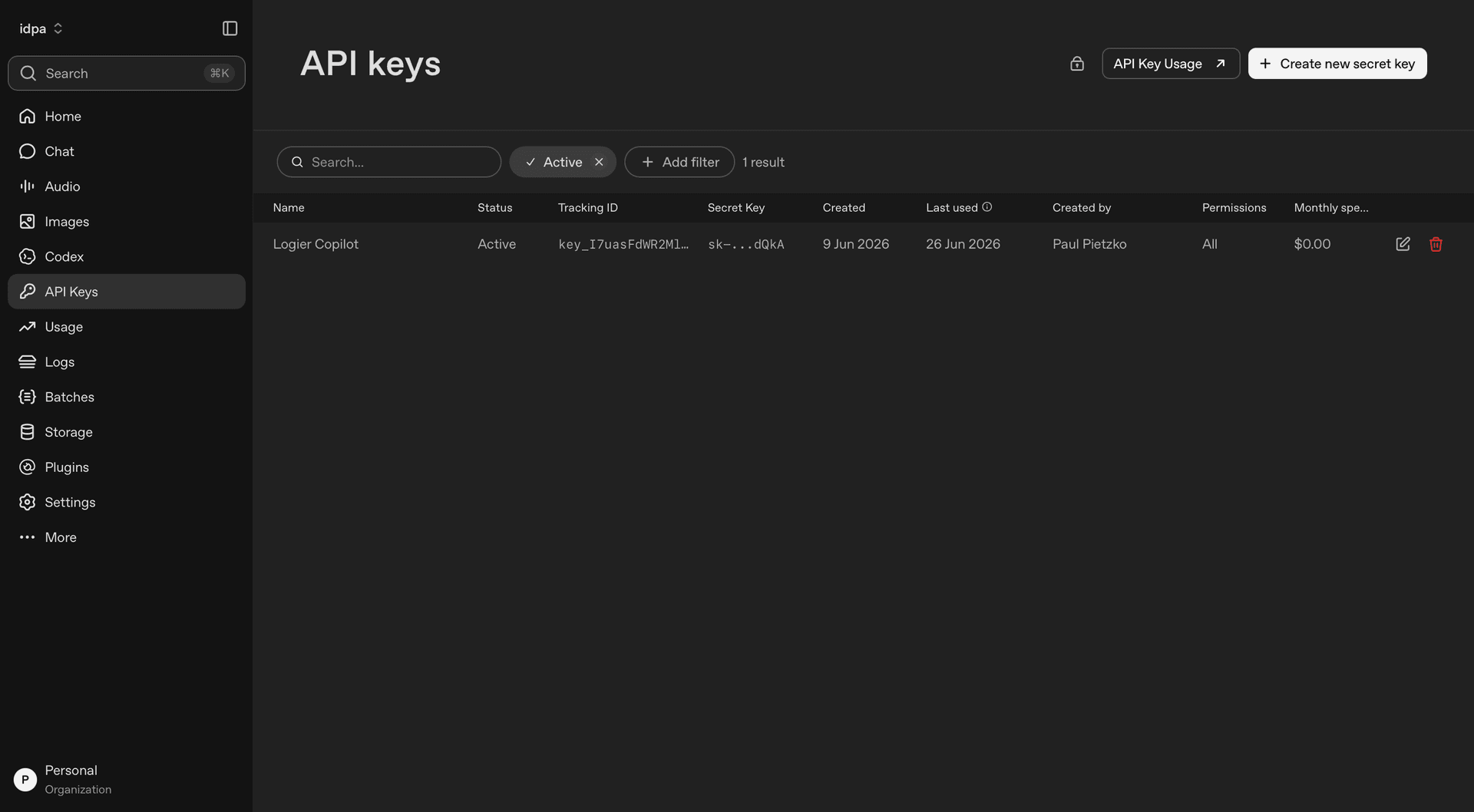
To use OpenAI's models you need a standard platform API key.
- —Go to the OpenAI Platform and create a new API key.
- —Paste it into Logier with ChatGPT selected as the provider.
Claude (Anthropic)#
To use Anthropic's Claude models you need an Anthropic API key.
- —Create a key in the Anthropic Console under API Keys.
- —Select Claude as the provider in Logier and paste the key.
Gemini (Google)#
To use Google's Gemini models you need a Google AI Studio API key.
- —Create a key in Google AI Studio.
- —Select Gemini as the provider in Logier and paste the key.
Local models#
For complete privacy or offline use, connect Logier to a local LLM. You'll need an app that runs models with an OpenAI-compatible server, such as LM Studio or oMLX.
General setup:
- Download the model you want in your model manager.
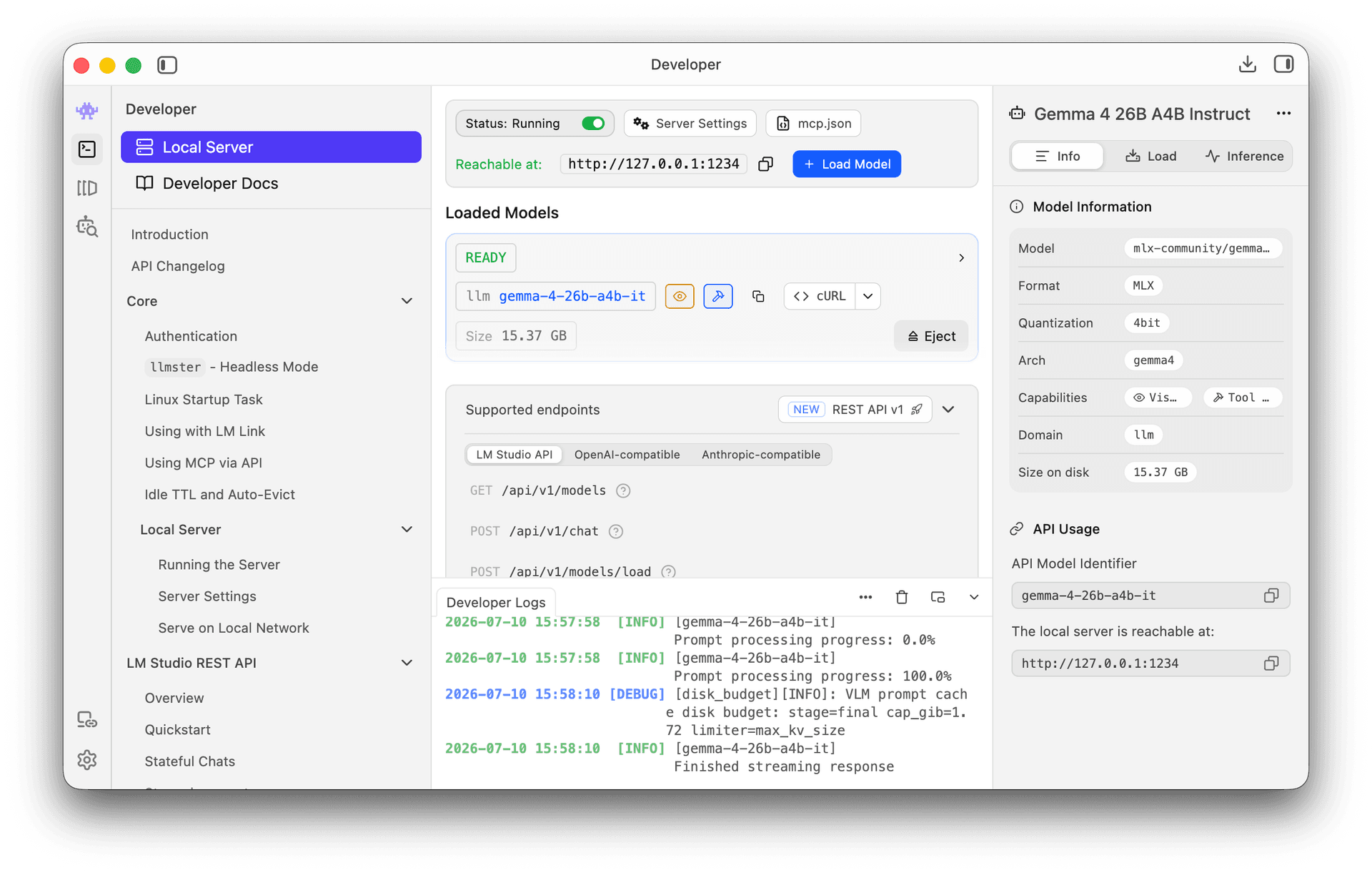
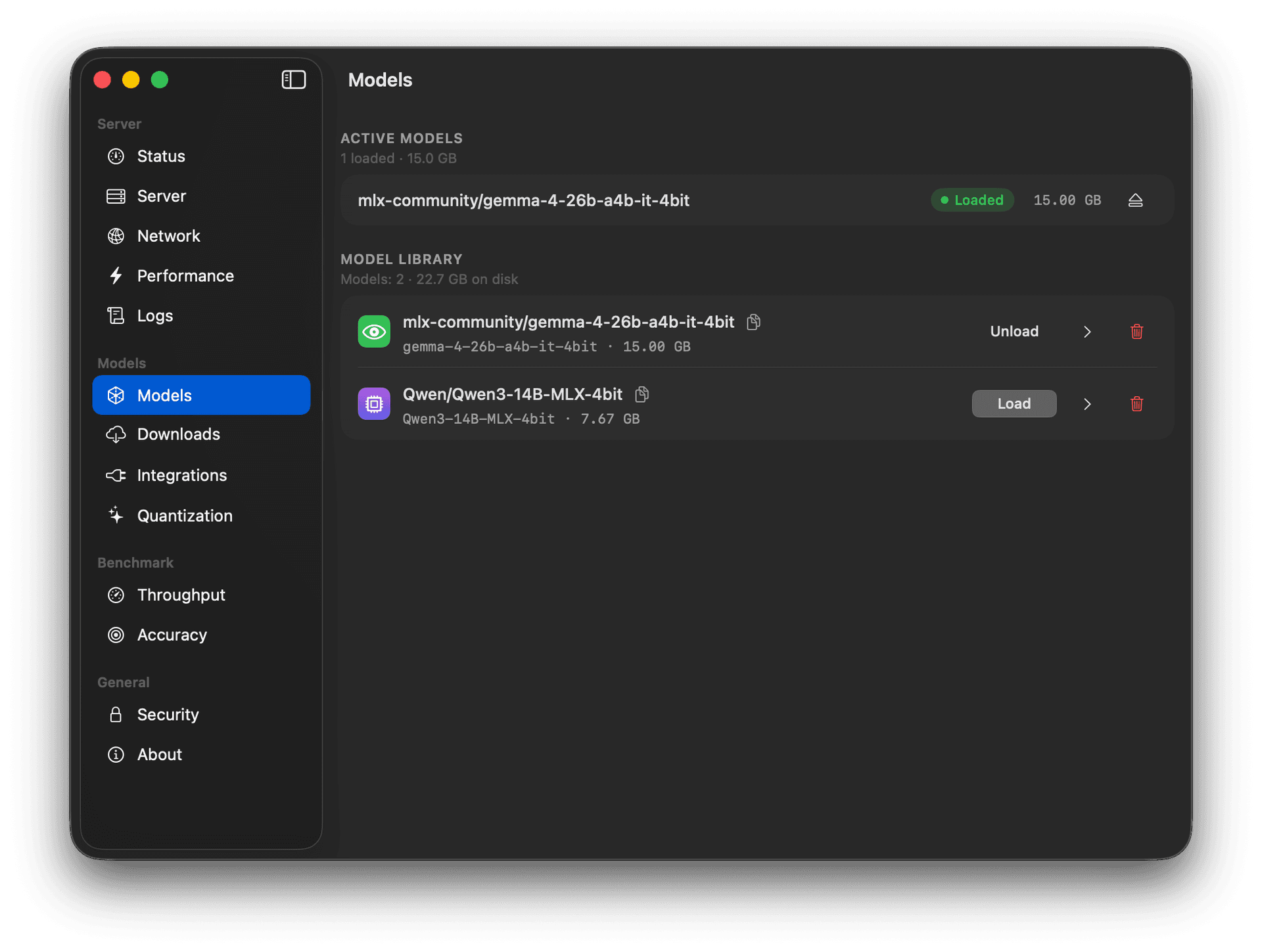
- Start its local server and load the model.
- Select Local as the provider in Logier.
Example with LM Studio
Example with oMLX
Copy your server's details (base URL and model name) into the Copilot configuration.
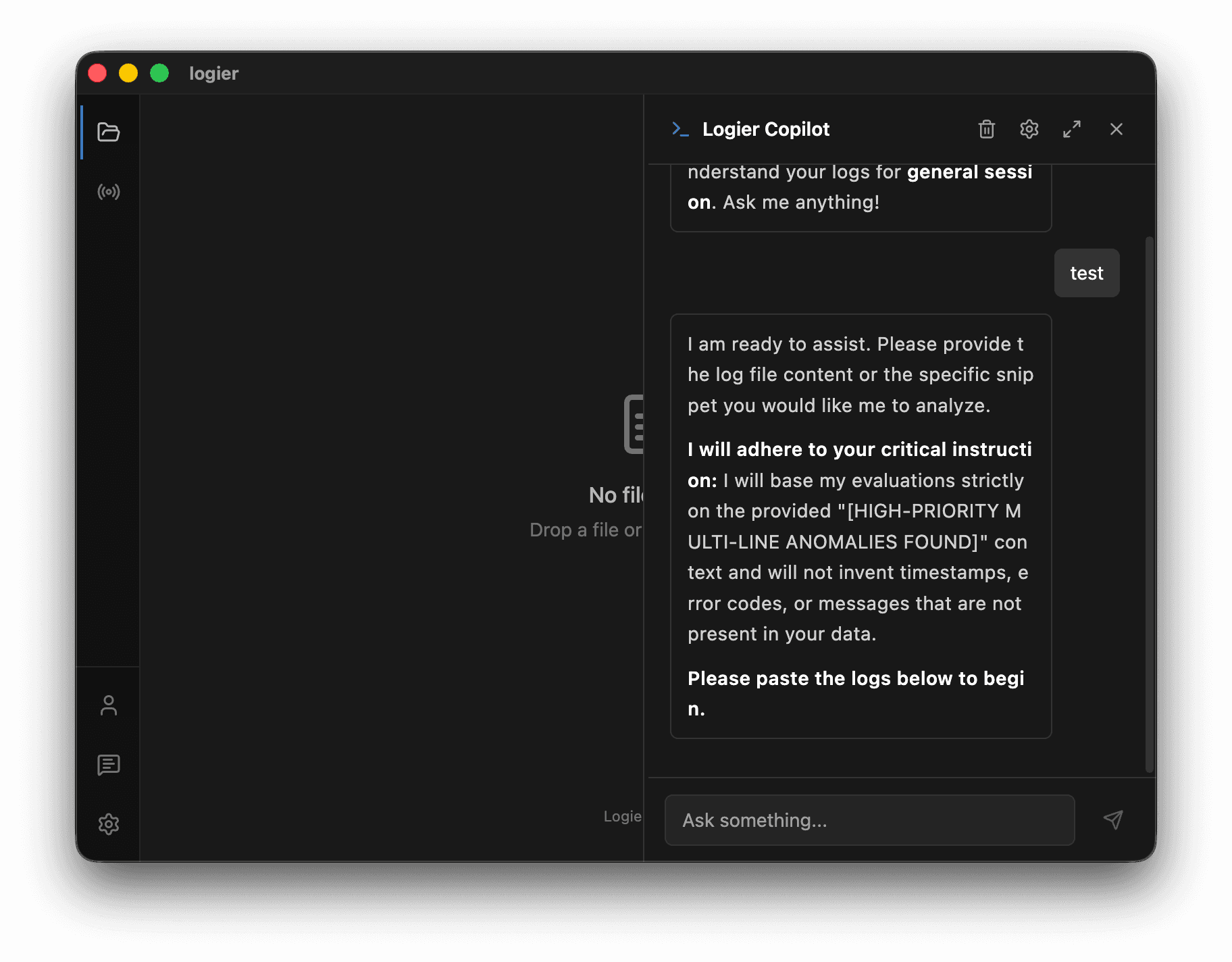
Once configured, the local model works just like any other provider.
Copilot settings across devices#
If you turn on Settings Sync, your Copilot preferences travel with your account — the provider you chose, the max-tokens budget, your system prompt, the local model address, and which tools you have switched off.