Context Window
Learn how Copilot builds its context, how the Max Tokens setting affects analysis, what happens with large log files, and how you can control exactly which parts of your logs the AI sees while preserving per-file conversations.
Every AI model has a maximum context window.
This is the amount of information the model can consider while generating a response. Since log files can easily exceed that limit, Logier automatically reduces the context window before sending your request.
Understanding how this works helps you get the best answers from Copilot.
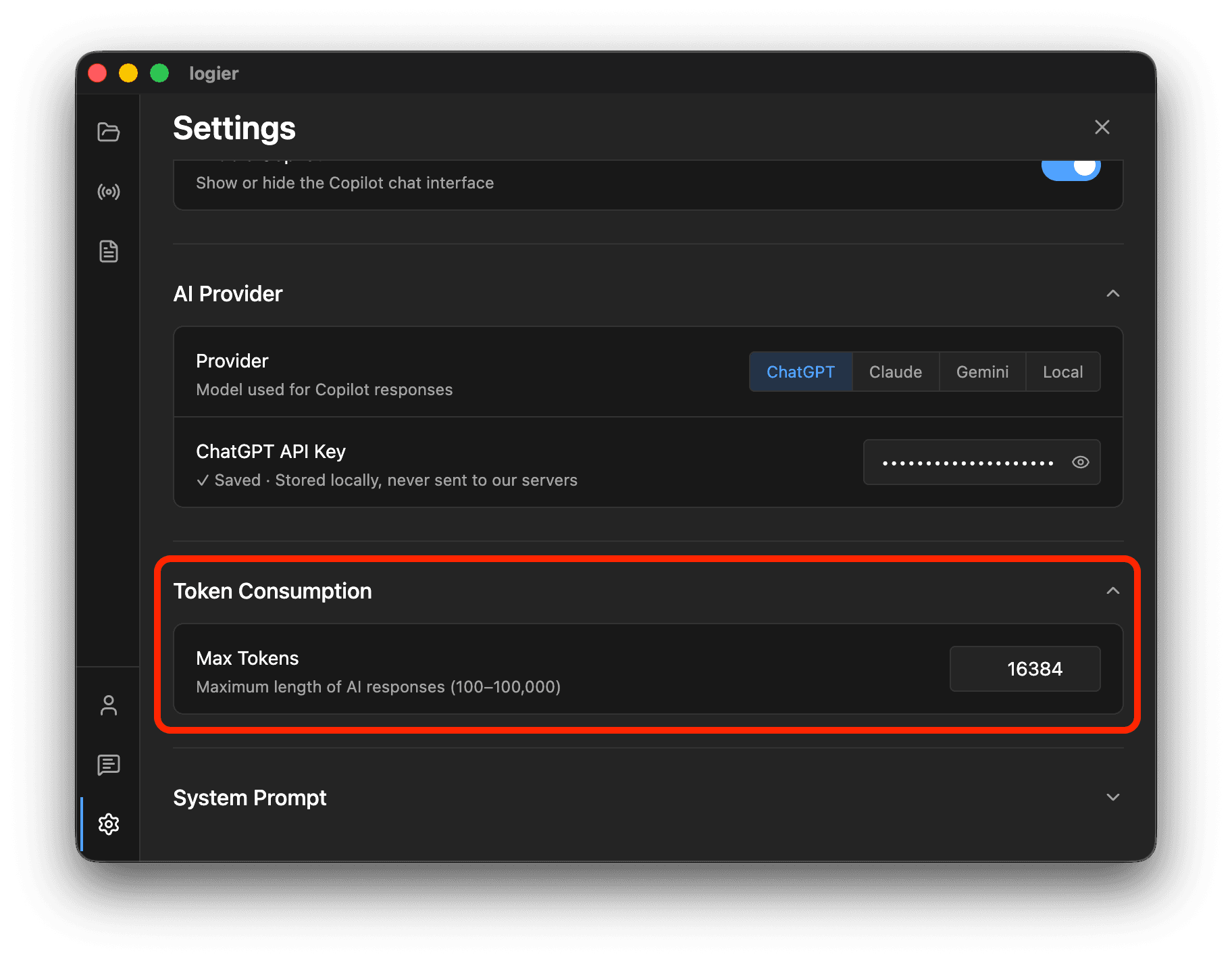
What are Max Tokens?#
The Max Tokens setting controls how much information Logier is allowed to send to the AI model.
Higher values allow Copilot to analyze larger portions of your logs.
Lower values reduce processing time and API usage, but provide less context for the model.
The ideal value depends on the capabilities of your chosen AI provider. Models with larger context windows can comfortably handle higher token limits.
How Logier Calculates Context#
Before every request, Logier builds a context from your currently open log file.
This context includes:
- —The selected portion of the log file
- —Structured anomaly information
- —Previous conversation messages
- —Your system prompt
Everything together must fit within the configured token limit.
If the available context becomes too large, Logier automatically reduces the amount of log content so the conversation can still be processed successfully.

Selecting What Copilot Can See#
Large log files rarely need to be analyzed all at once.
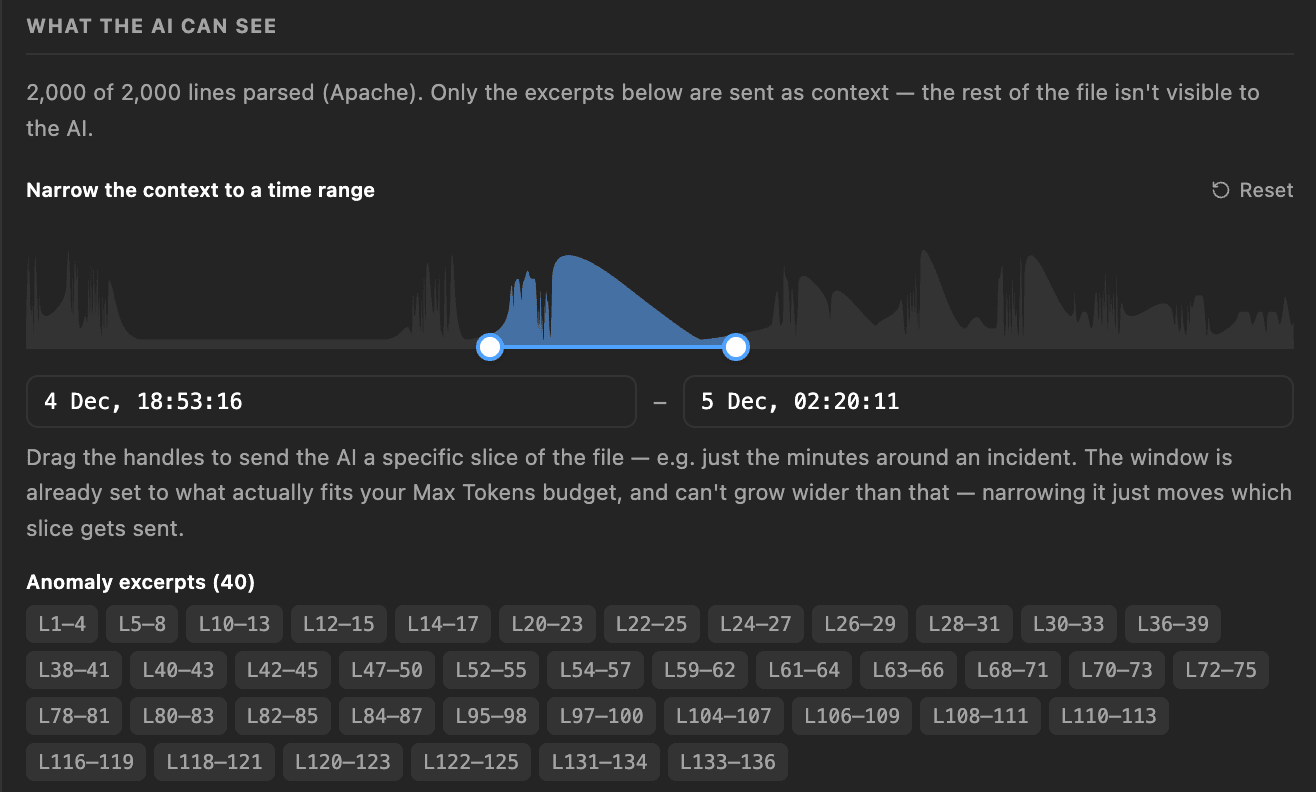
When a file exceeds the available context, Logier displays the Context Range selector beneath the chat.
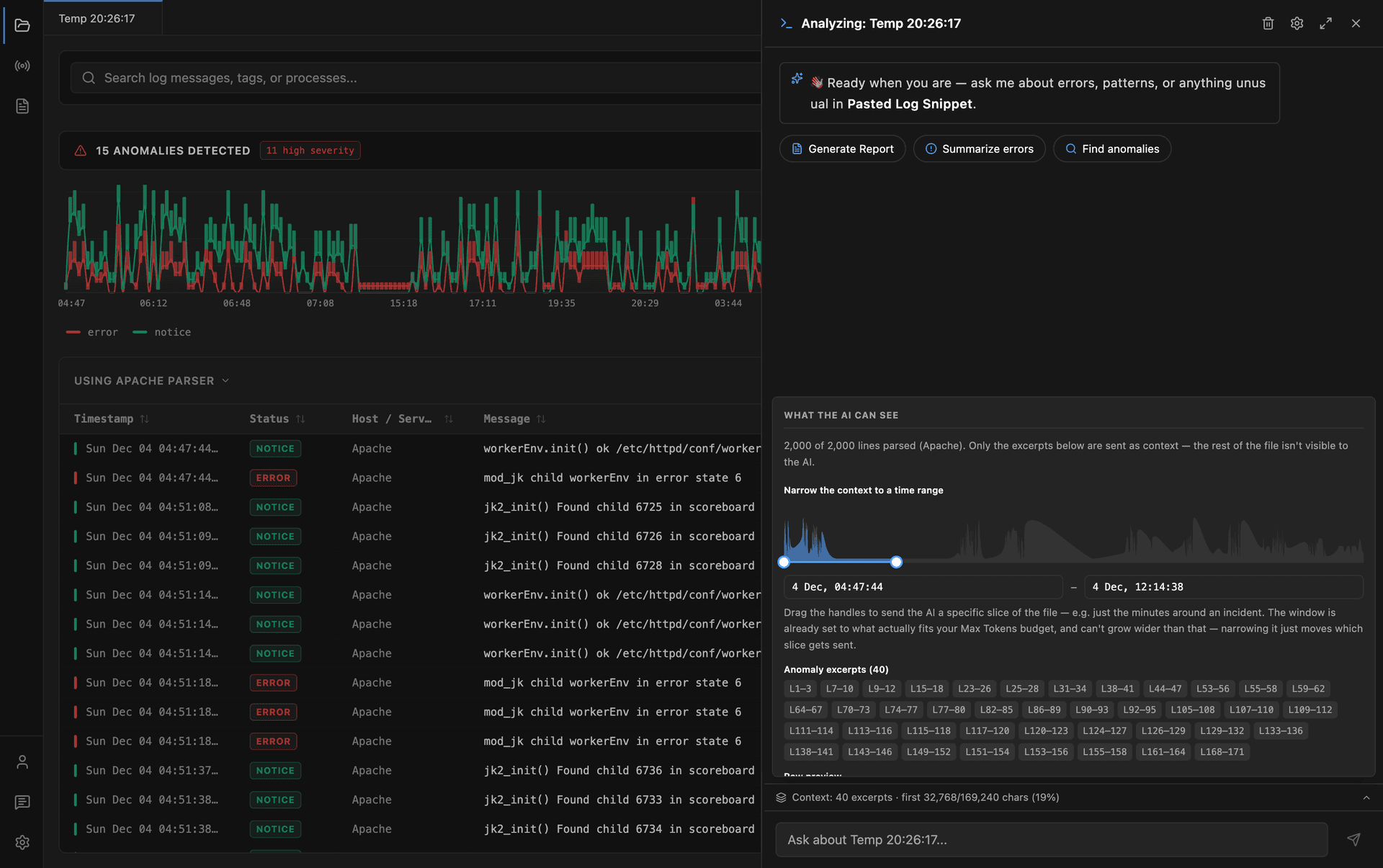
The timeline shows where log activity occurs throughout the file.
Drag the two handles to choose exactly which time period should be included in the next request.
Instead of always analyzing the beginning of a log, you can focus Copilot on the moment an incident actually happened.
Your selected range is remembered separately for each open file during your current session.
What Copilot Remembers#
Copilot remembers the conversation for the currently open file.
Every log file has its own independent chat history, allowing you to investigate multiple files without mixing conversations together.
When you switch back to a file, its previous conversation is restored automatically.
For each new message, Logier sends:
- —Your configured system prompt
- —The prepared log context
- —The previous conversation for the current file
- —Your latest message
This allows you to ask follow-up questions naturally without having to repeat earlier information.
When the Context Changes#
The context is rebuilt for every request.
If you change the selected time range, edit the log file, or open another file, the next question uses the updated context automatically.
Previous AI responses remain part of the conversation, but future answers are generated using the latest available log data.
Best Practices#
For the most accurate responses:
- —Increase Max Tokens if your model supports larger context windows.
- —Narrow the Context Range to the time period you're investigating.
- —Keep follow-up questions within the same conversation so Copilot can build on previous answers.
- —Switch to a different log file when starting a separate investigation, giving each file its own dedicated conversation.
By combining configurable token limits, intelligent context generation, and manual time-range selection, Logier helps Copilot focus on the parts of your logs that matter most.