
Reports
Generate reports from any log file, edit them yourself or with the Copilot, collect notes along the way, and export everything as a polished PDF when you're done. Instead of scattered findings across chats and editors, your entire investigation now lives in one place.
Reports are where investigations come together.
The Copilot can explain a log file, but sometimes you need something more permanent. A place to collect findings, document conclusions, and build a report that can be shared with someone else.
The new Reports page brings everything together.
More than generated text#
A report starts with a log file.
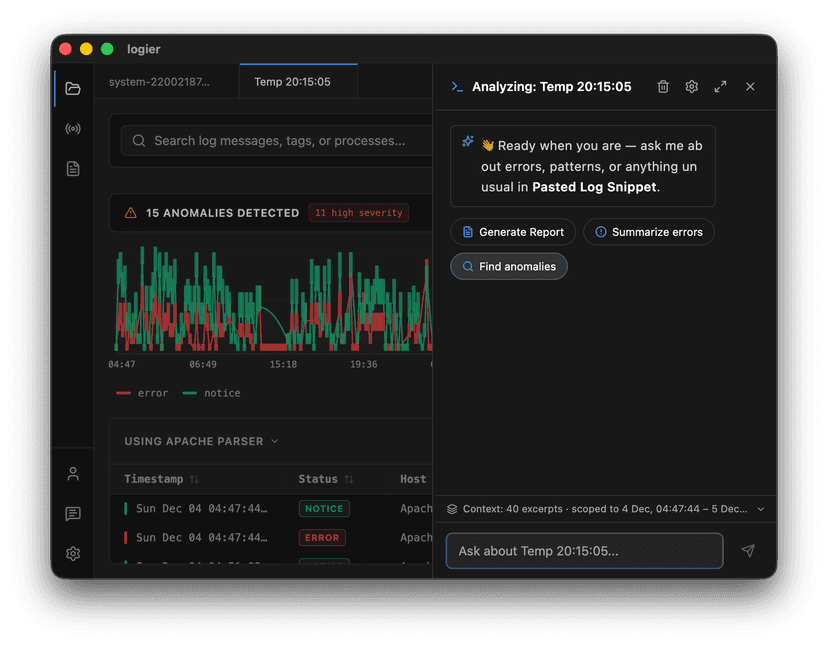
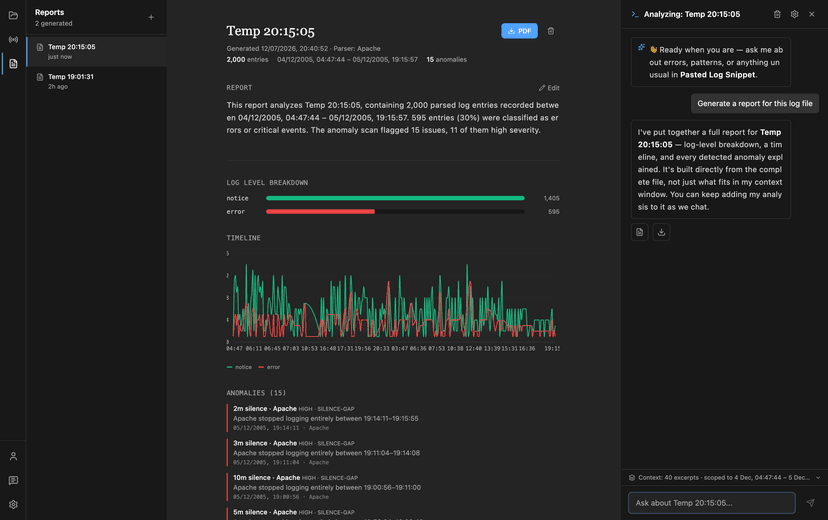
Generate one from the Copilot or directly from any open file, and Logier creates a document containing the important information from the log.
It includes log statistics, a timeline, detected anomalies, and a report body that you can edit however you like.
The generated report is only the beginning.
Write, edit, investigate#
Reports are fully editable.
Rewrite the report, expand sections, or replace the generated content entirely with your own analysis.
Sometimes the AI gets you 80% of the way there.
The remaining 20% is where your own investigation matters.
The editor is always there when you need it.
Keep every finding#
Investigations rarely happen all at once.
While working through a problem, you might notice something worth remembering, receive an explanation from the Copilot, or discover a pattern after digging through the logs.
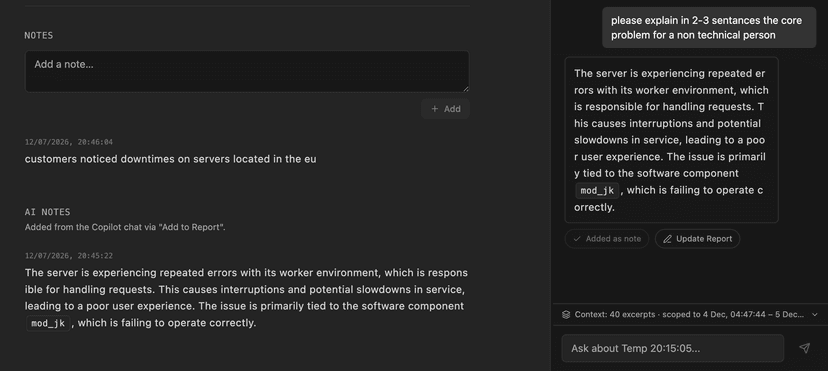
Reports support both handwritten notes and AI Notes.
Write your own observations directly inside the report, or save useful Copilot responses without copying and pasting them manually.
The report grows together with your investigation.
The Copilot stays beside you#
The Reports page includes the Copilot as a side panel instead of an overlay.
That means the conversation and the report stay visible at the same time.
Ask follow-up questions, request explanations, update the report, or save AI responses as notes without constantly switching between views.
The report becomes the center of the investigation instead of the final destination.
Ready to share#
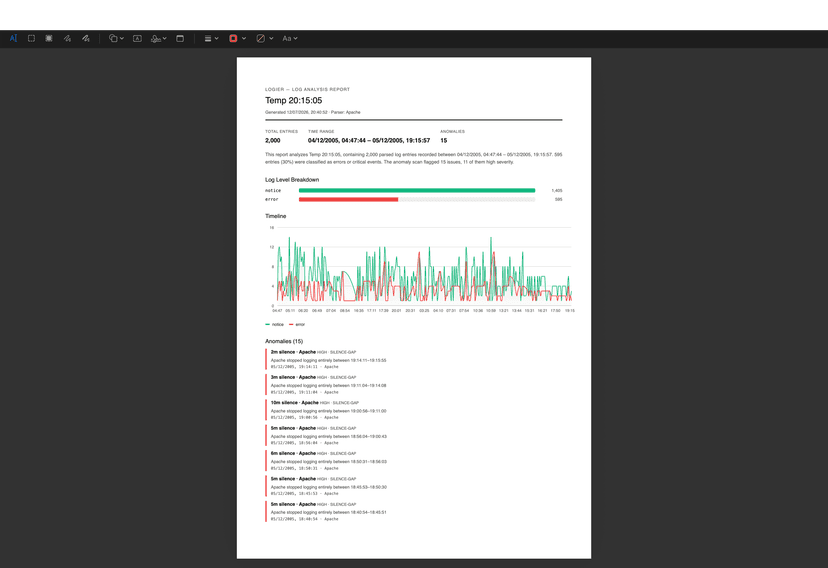
When the investigation is finished, the report can be exported as a PDF.
Everything you've written, every saved note, the generated statistics, timeline, and detected anomalies are included in a single document that's ready to archive or share.
Instead of screenshots, copied chat messages, and scattered notes, everything lives in one place.
Analyze. Document. Share.