
i18n Support
Logier is now available in multiple languages. The new internationalization system makes it possible to switch the application language directly from the settings and provides a foundation for adding more translations in the future.
A new Language section has been added to General Settings.
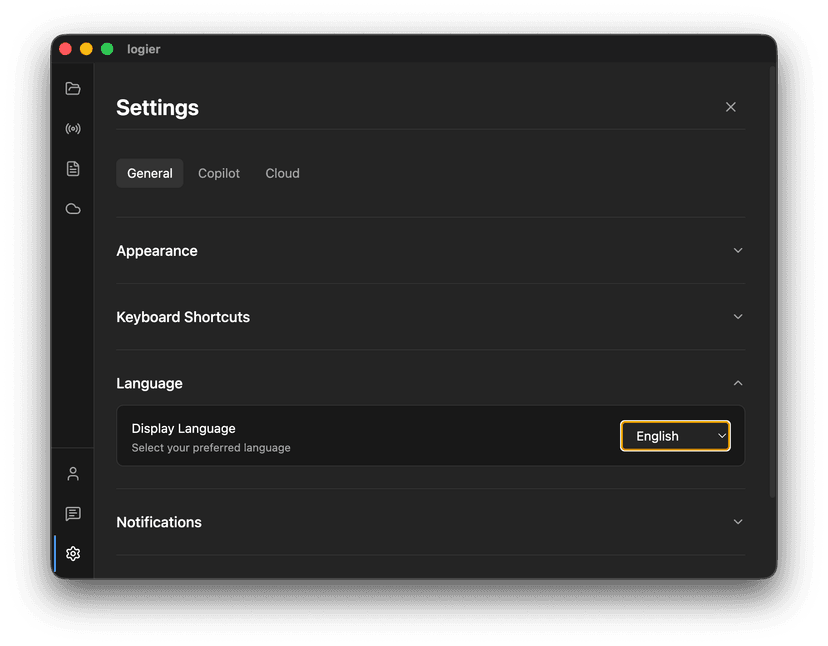
You can now choose between:
- —English
- —Deutsch
- —Français
The selected language is saved automatically, so Logier remembers your preference the next time you open the application.
Automatic language detection#
On first launch, Logier automatically checks your browser or system language and selects a supported language if available.
If your language is not supported yet, Logier will fall back to English.
A better foundation for future translations
Built for everyone#
The new i18n system separates all user-facing text from the application code.
This means:
- —New languages can be added without changing application logic.
- —Existing translations can be improved independently.
- —Contributors can help translate Logier more easily.
- —Future features can be localized from the beginning.
Every part of the interface can now use the same translation system, from settings and dialogs to future application features.
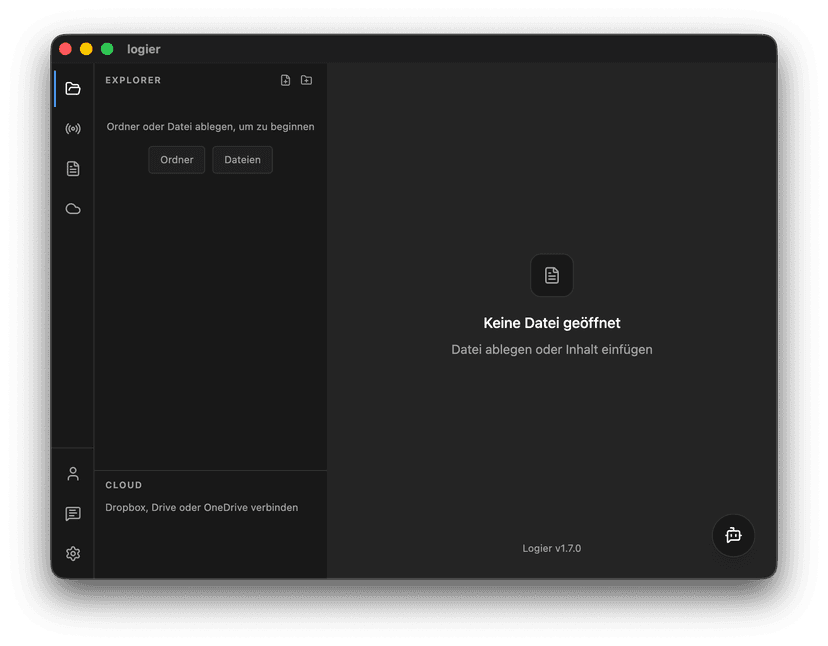
This is the first step toward making Logier accessible to more developers around the world.
Additional languages and improved translations will be added over time.